
AI writing and story development
Turn a simple idea into a story outline and episode scripts, or import an existing novel or script. Shape your story by genre, episode count and content language as its characters and plot take form.
Start with an idea, novel or script. Design characters, create storyboards and produce videos step by step to make your own short dramas and animated series.
259 art styles
MakiVue brings scripts, characters, scenes, storyboards and video creation into one project. Start with an idea or build on an existing novel or script to create realistic short dramas and animated series, step by step. You can also use the AI image and video tools to generate standalone creative assets.
Turn a simple idea into a story outline and episode scripts, or import an existing novel or script. Shape your story by genre, episode count and content language as its characters and plot take form.
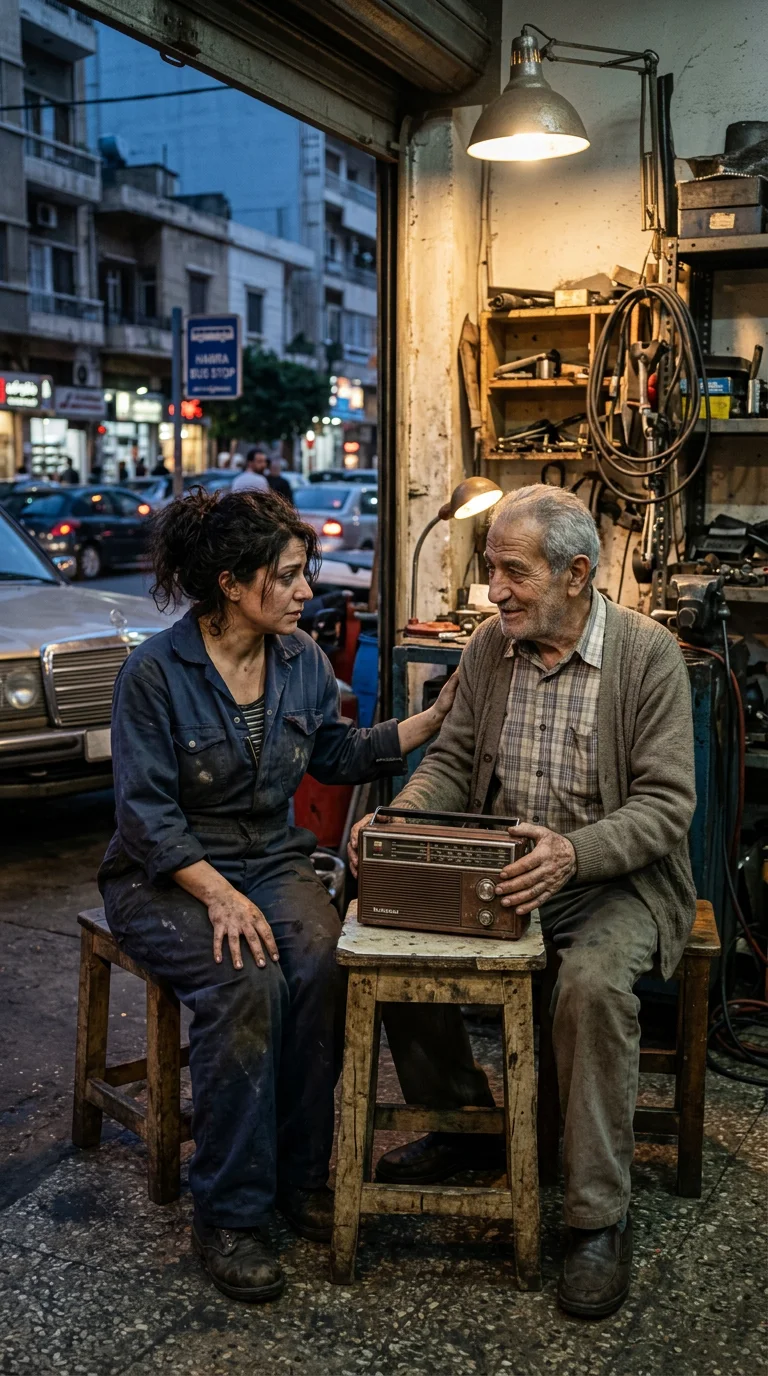
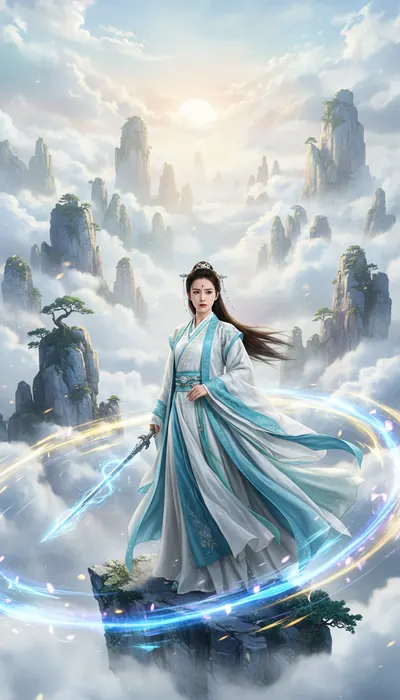
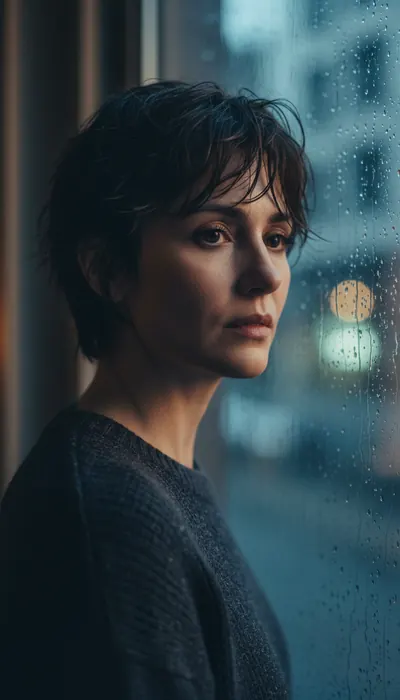
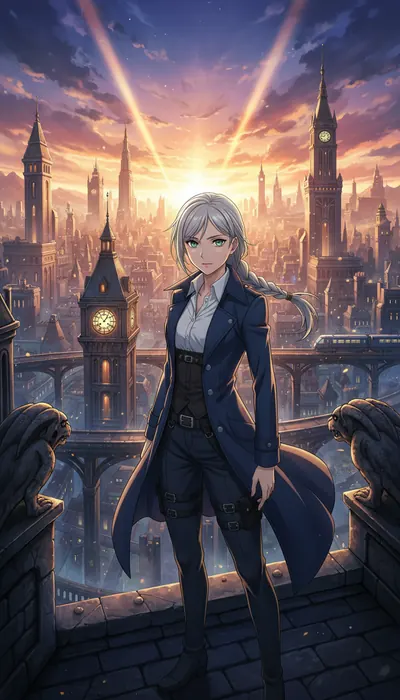
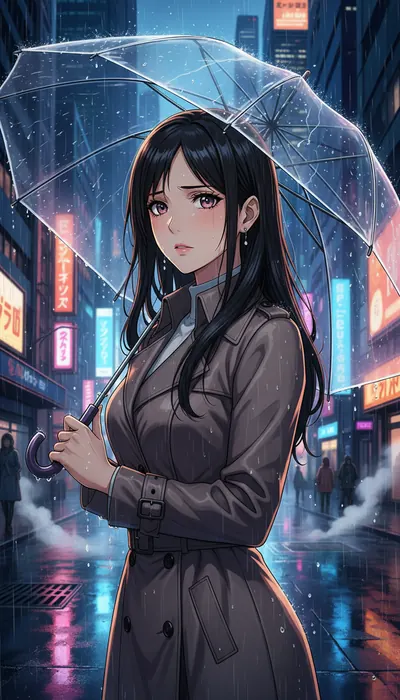
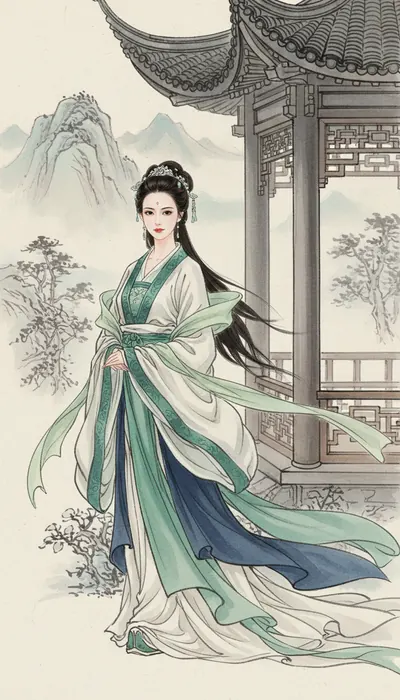
Choose realistic, anime or traditional Chinese visual styles to create character designs and scene images. Manage and reuse these assets in your project to give later shots a consistent visual reference.
Break scripts into storyboards with visuals, action and dialogue, then generate images and videos for each shot. With video models including Seedance, preview and regenerate individual shots to refine the visuals and pacing.
Combine shots into an episode in storyboard order, then review the subtitles and finished video. Export it when you are ready, or publish it on a work page so viewers can follow your story episode by episode.
AI helps with generation; you guide the story. Review each stage before moving on. Confirmed work stays in your project, ready for you to return and refine it.
Enter an idea or paste an excerpt from a novel or script. Choose a visual style, aspect ratio, episode count and content language. Sign in when you start creating to open a project for your story.
Review the outline and episodes in your project, then refine character relationships, pacing and dialogue. Generate character references and scene images to turn the written world into reusable visual assets.
Review each shot’s composition, action and dialogue. Confirm storyboard images and keyframes before choosing a video model and duration. Revise individual shots that need work to reduce rework across the episode.
Assemble shots into an episode and check the audio, subtitles and transitions. Download the video for further editing, or complete its work details and publish it for viewers to watch by episode.
On MakiVue, generate video with Seedance, Wan or MiniMax H3, create images with Nano Banana, Qwen-Image or Seedream, and use Gemini to help write scripts and storyboards. Turn your ideas into short dramas you can keep editing.
Use Seedance 2.5 and Seedance 2.0 on MakiVue to create AI short-drama shots and video clips. Version 2.5 supports multimodal references; 2.0 offers first- and last-frame guidance. Both support synchronized audio for dialogue, action and transitions between shots.
Use Seedance on MakiVueMakiVue’s AI video tool offers Wan 3.0 and Wan 3.0 Prime. Wan 3.0 supports multimodal references and video generation up to 30 seconds, while Prime offers 1080p output. Create character performances, moving scenes and longer story sequences.
Use Wan on MakiVueUse MiniMax H3 through MakiVue to generate multiple shots with multimodal references and native audio, at up to 2K and 15 seconds. Try changes in shot size, character movement and ambient sound, then refine your prompts and references based on the results.
Use MiniMax H3 on MakiVueUse Nano Banana and Gemini 3.1 Flash Image on MakiVue to generate character art, scenes and storyboard images. Guide appearance, composition and style with text and reference images. Check costumes and environment details before generating video for your short drama.
Use Nano Banana on MakiVueMakiVue’s AI image tool supports text-to-image and reference-guided creation with Qwen-Image-3.0-Pro for characters, scenes and storyboards. You can also choose Seedream 5.0 Lite to explore compositions and visual styles with 2K text-to-image generation.
Use Qwen / Seedream on MakiVueUse Gemini 3.7 Flash on MakiVue to help draft plot outlines, episode scripts and shot descriptions. Review character relationships, pacing and dialogue, then use your approved script for character design, scene generation and AI short-drama production.
Use Gemini on MakiVueFrom realistic dramas and animation to novel adaptations and brand films, define your goal first, then choose a visual style and workflow. Build a whole series or start with a single shot.
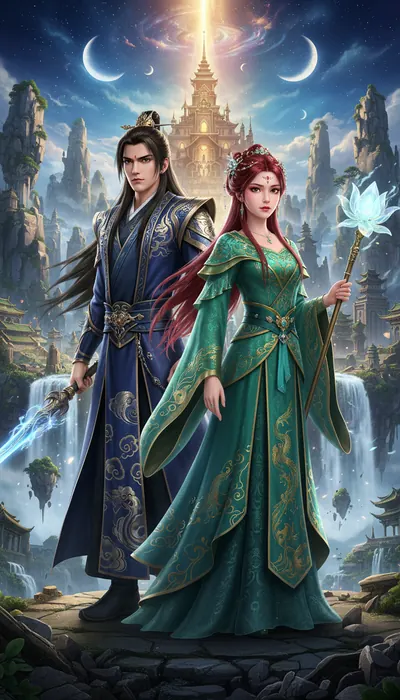
Turn fantasy, adventure, fairy tales or everyday stories into animated visuals. Use character designs, scene references and storyboards to build animated short dramas with continuous plots and explore different artistic styles.
Bring people, places and action to life in a realistic style, from urban romance and suspense to period drama. Refine the script and shot pacing before generating video, especially for stories driven by dialogue and relationships.
Shape an existing novel, script or personal experience into episodes. Manage scripts, characters and shots in one project and keep creating at your own pace, or finish a single scene first to test an idea.
Plan a short film around a product, topic or event, choosing the right aspect ratio and style. Use the drama workflow for complete stories, or generate individual images and clips with standalone tools for later editing and publishing.
Choose AI drama for continuous stories and episode management. For a single clip or image, go directly to the corresponding tool. Browse and enter your ideas first; sign in when you submit your creation.
Turn a story into a complete series. Create scripts, characters and storyboards, keep characters and plots consistent, then generate and assemble your drama.
Generate clips with text to video or image to video. Choose a model for your visual style, motion and duration.
Create characters, scenes and visual assets with text to image or image to image. Use reference images to guide composition and style.
Making a drama takes review and revision. MakiVue keeps your story, assets and generation progress in a project so you can work in stages and balance quality, time and budget.
Everything from story direction to final video is saved in the same project, ready to continue or redo in detail.
Choose different video services based on picture style, action complexity, duration and budget.
Build status, error types, and results are saved in the project, and processing can continue after page refresh.
Common questions about scripts, character consistency, native audio, subtitles, generation costs and exporting your work.
Yes. Start with a sentence, a character idea, or a personal experience. AI can help shape the story, write the script, and split it into episodes. You can also import an existing novel or screenplay.
Every newly registered user receives a one-time 1,500-credit creation allowance for trying AI scripts, images, storyboards, and video. The grant appears in the wallet ledger and is not repeated on later logins.
The interface supports Chinese, English, French, Arabic, Indonesian, Hindi, Filipino, Japanese, and Korean. You can choose the content language for each creative project.
Yes. Projects preserve character references, scene information, visual style, and shot context, then reuse those assets for later images and videos to reduce visual drift.
Yes. Scripts, characters, scenes, keyframes, and videos can be revised in stages. A failed or unsatisfying shot can be retried on its own without regenerating the whole drama.
Supported models can generate dialogue and ambient sound in the video. The project also includes subtitle workflows and multilingual subtitles. Native-audio capability and dialogue length depend on the selected model.
Credits are prepaid creation balance. Text, image, and video tasks are settled using the selected model and actual usage. The balance is checked before generation, and unused reserved credits are released after settlement.
Timing depends on the model, shot duration, queue, and reference assets. Long jobs run in the background, and you can return later to see their status.
The platform provides creation and export tools, but you must confirm the rights for models, reference assets, music, fonts, and likenesses. Check the rules of your target platform and region before publishing.
Open the asset in your project or My Works and use the preview area’s view or download action. Video covers can also be set and updated separately.
Write an idea, choose a style and build your first short drama step by step. New users receive 1,500 credits at signup to try text, image and video generation.
Start creating