
Localize comic and cover text while keeping the artwork readable
Treat translation, text layout and image creation as separate review steps. This guide helps you prepare multilingual artwork; the current image workspace generates or redraws images and does not provide an OCR translation service.
MakiVue editorial team · Updated
Start creatingMake a text inventory before changing the image
Transcribe each speech bubble, title and caption in reading order. Give each region an identifier and retain the speaker, context and available space. Preserve character names, dates, prices and units unless an approved localization brief says otherwise. Have the target-language wording reviewed before placing it into the artwork.
Fit approved wording to the language and layout
For Japanese, check punctuation, line breaks and any vertical setting. For Korean, preserve word spacing and consistent speech levels. For Arabic, check connected letters, right-to-left paragraphs and mixed-direction names or numbers in the actual editor. Do not mirror the whole image to change text direction. These checks require a reviewer who reads the target language.
Region B2 — speaker: courier; source: “I still have time.” Target audience: readers of the localized comic. Keep the character name unchanged. Use natural spoken wording and fit at most two short lines. Return editable text for review; do not add new plot information.
Prepare artwork and verify the finished image
Use the image workspace when you need a new text-free background or a reference-guided visual variation. Upload only material you may use, describe the visual changes and review any altered face, object or composition. Place approved translations as editable text in your design tool, then compare every region with the inventory. Export a small preview and a full-size image to check clipping, reading order and missing glyphs.
Compare text placement across languages
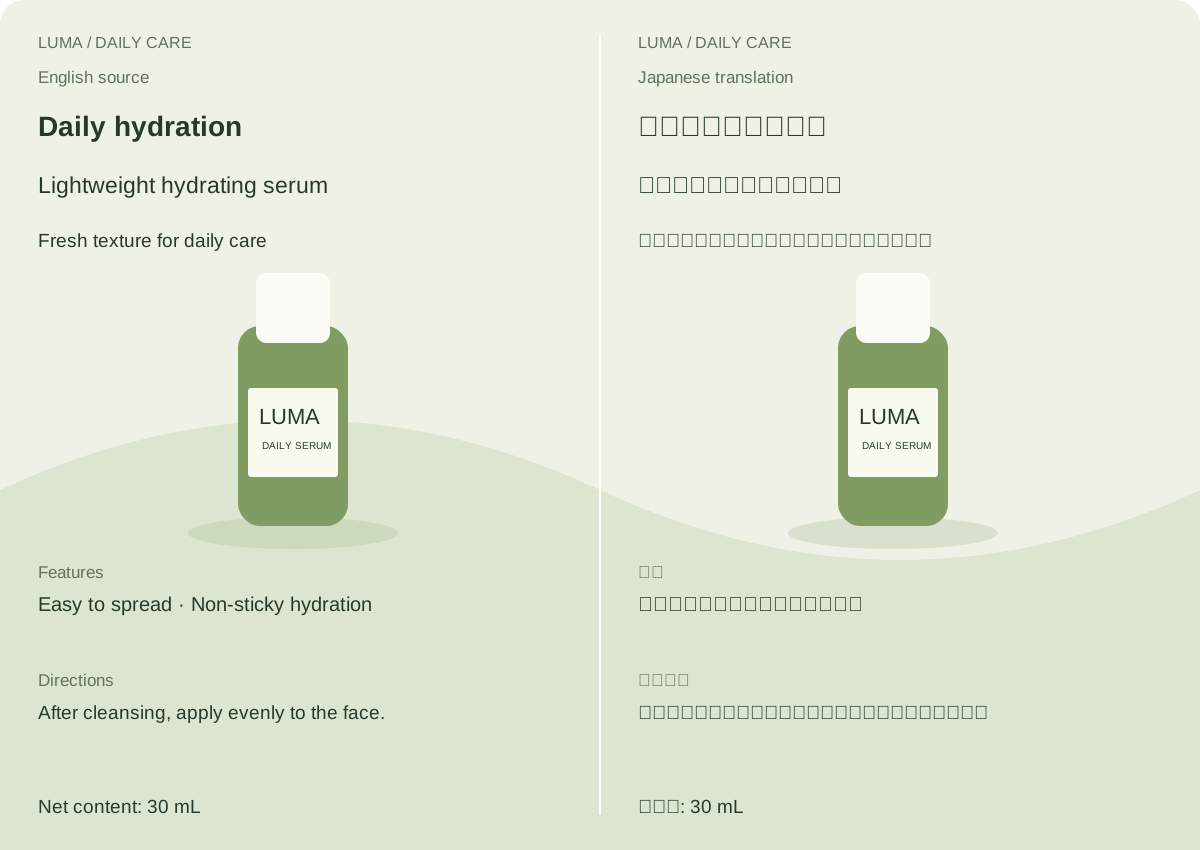
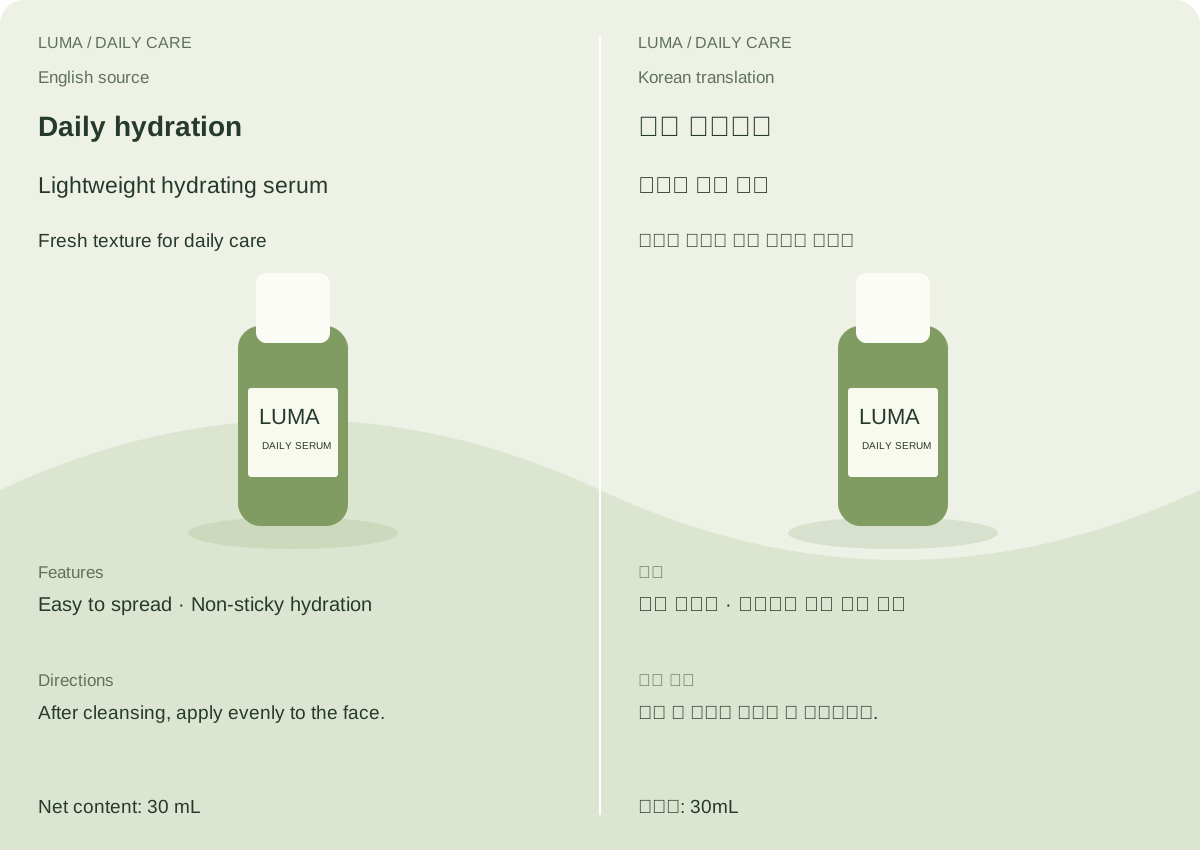
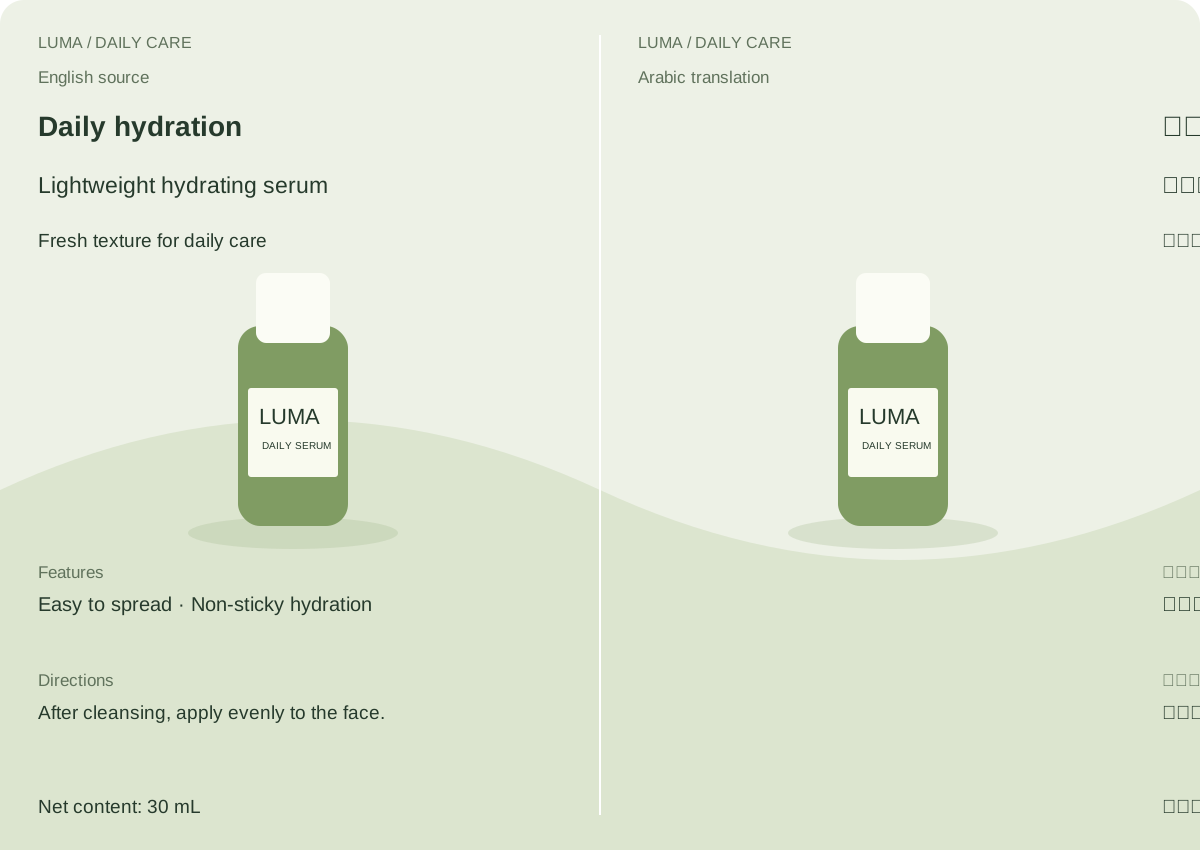
Prepared layout examples from the MakiVue image-tools content pack. The translations are machine drafts without native-language review. These are not results from an uploaded image or a connected translation service.
Japanese
Japanese: inspect punctuation and line breaks while keeping the product name and 30 mL quantity.
 Writing-system layout reference · W3C
Korean
Korean: check word spacing, speech level and whether a longer line crowds the product artwork.
 Writing-system layout reference · W3C
Arabic
Arabic: inspect connected letters, right-to-left text and mixed-direction numbers. Keep the artwork orientation.
 Writing-system layout reference · W3C
Written example to adapt
Use the attached comic panel as the visual reference. Prepare a lettering-layout draft: retain the panel framing, character appearances, poses, background and speech-bubble reading order as closely as possible. Leave the speech bubbles empty and provide generous internal padding for dialogue that will be added separately in a design editor. Do not invent or translate dialogue. Do not add captions, sound effects or a watermark. Treat the output as a new generated draft; compare all artwork and bubble positions with the original before lettering.
Questions about this workflow
Does uploading an image here automatically translate it?
No. The current workspace supports image generation and reference-guided creation. Text recognition, translation review and accurate text placement need a separate workflow.
Can a generation prompt preserve all text and numbers?
It can state those requirements, but generation may alter names, amounts or lettering. Keep the source inventory and verify every important detail; use editable text layers for final wording.
Should I create a page for every target language?
Publish a language-specific guide when it has useful examples, reviewed wording and relevant layout advice. A target language is not the same as the interface language of the page.
Continue your production
New accounts receive 1,000 signup credits. Generation uses credits according to the model and usage; the bonus does not guarantee a complete video or series.